
Why Selenium Tests Are Flaky (And How to Fix Them)
Automation is supposed to make testing reliable. But for many teams, it introduces a new problem: flaky tests. A test passes today and fails tomorrow, without any code changes. This inconsistency wastes time, breaks pipelines, and reduces trust in automation.
In this guide, we’ll look at why Selenium tests become flaky and how to reduce it.
What are flaky tests?
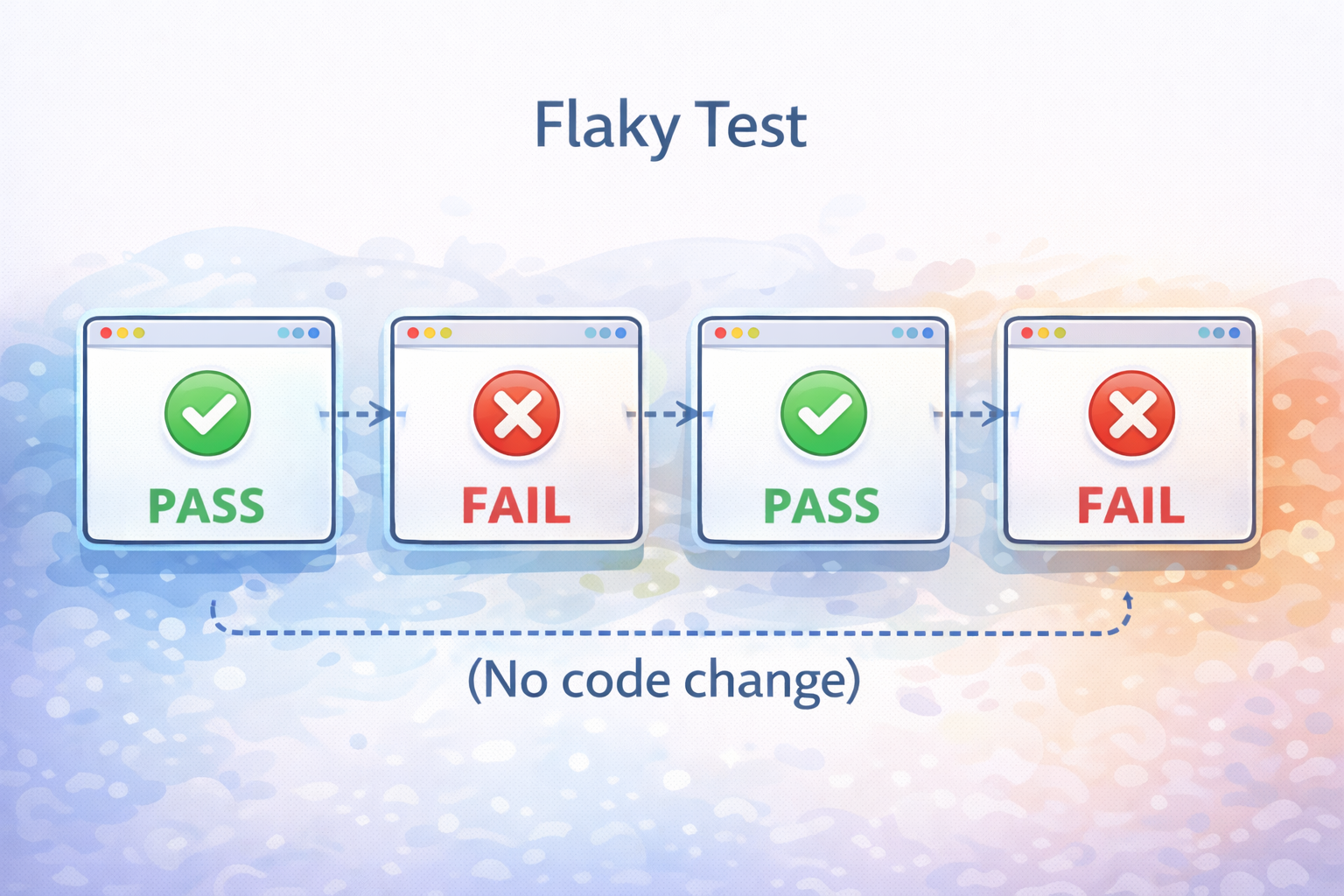
A flaky test is a test that:
- Passes sometimes
- Fails sometimes
- Without any real change in the application
This makes results unreliable and hard to trust.
Why Selenium tests are flaky
Flakiness usually comes from a few common issues.
1. Timing issues
Selenium interacts with elements before they are ready.
Better approach:
2. Dynamic UI changes
Modern apps frequently update:
- Elements re-render
- IDs change
- DOM structure evolves
Locators that worked earlier may stop working.
3. Environment differences
Tests behave differently based on:
- Network speed
- Server response
- Local vs CI environment
Same test, different result.
4. Weak locators
Using fragile selectors like:
- Long XPath chains
- Auto-generated IDs
makes tests easy to break.
5. Test data dependency
Tests relying on shared or changing data often fail unpredictably.
6. Parallel execution issues
Parallel runs can cause:
- Race conditions
- Data conflicts
leading to inconsistent failures.
Common causes and impact
How to reduce flakiness
Focus on a few practical improvements.
1. Use explicit waits
Wait for conditions instead of using fixed delays.
2. Improve locators
Use stable attributes like:
- id
- name
- data-test-id
3. Control test data
Make tests independent and predictable.
4. Stabilize environments
Keep environments consistent and reduce variability.
5. Limit UI-heavy tests
Focus UI automation on critical flows.
Why this keeps coming back
Even after fixes, flakiness returns.
Because tests depend heavily on:
- UI structure
- timing
- environment
As systems grow, maintaining stability becomes harder.
A better direction
Teams are moving toward approaches that:
- Reduce dependency on fragile locators
- Handle UI changes more intelligently
- Require less manual maintenance
How QAlity helps
QAlity improves reliability by:
- Using smarter element detection
- Reducing manual scripting effort
- Running tests in controlled environments
This helps reduce flaky test issues over time.
Conclusion
Flaky Selenium tests are a common challenge as automation scales. While better waits, locators, and environments help, they don’t fully solve the problem.
As systems grow, teams need more reliable and low-maintenance approaches to automation.